Home > TECH > The Architecture of If: Power Automate Deep Dive
TECH
01 The Philosophy: The Logic Gate Principle
In the world of enterprise development, we often hide behind complex terminology. But after building dozens of solutions, my core philosophy remains: Automation is just a bunch of nested Ifs. Whether you are using an AI model to parse a contract or a simple button to send an email, you are essentially building a Decision Tree. The power of the tool doesn't come from the 500+ connectors; it comes from your ability to map out the "If/Then" pathways of a business process. If you can define the logic, Power Automate provides the plumbing.
02 The Great Divide: Cloud vs. Desktop
To build for scale, you must understand where your logic lives. In the Power Platform, we categorize labor into two distinct worker types: Digital Process Automation (DPA) and Robotic Process Automation (RPA).
The Cloud Engine (DPA)
The "Brain" of the operation. Cloud flows live in the SaaS environment and communicate via APIs (digital handshakes).
- The Logic: Focuses on Data Streams. It is fast, invisible, and highly reliable.
- Best Use: High-volume data movement between Teams, SharePoint, SQL, and Dataverse.
- The "If" Gate: If a file is uploaded to the Projects folder, Then run an approval process.
The Desktop Engine (RPA)
The "Hands" of the operation. Desktop flows live on a local machine or Virtual Machine and mimic Human Behavior.
- The Logic: Focuses on UI Object Recognition. It "sees" a button on a screen and clicks it.
- Best Use: Bridging the gap to legacy software (like SAP, old Windows forms, or mainframe terminals) that lacks modern API hooks.
- The "If" Gate: If the "Save" button appears on the legacy app, Then click it; Else log a timeout error.
03 Synergy: The "Big 3" Ecosystem
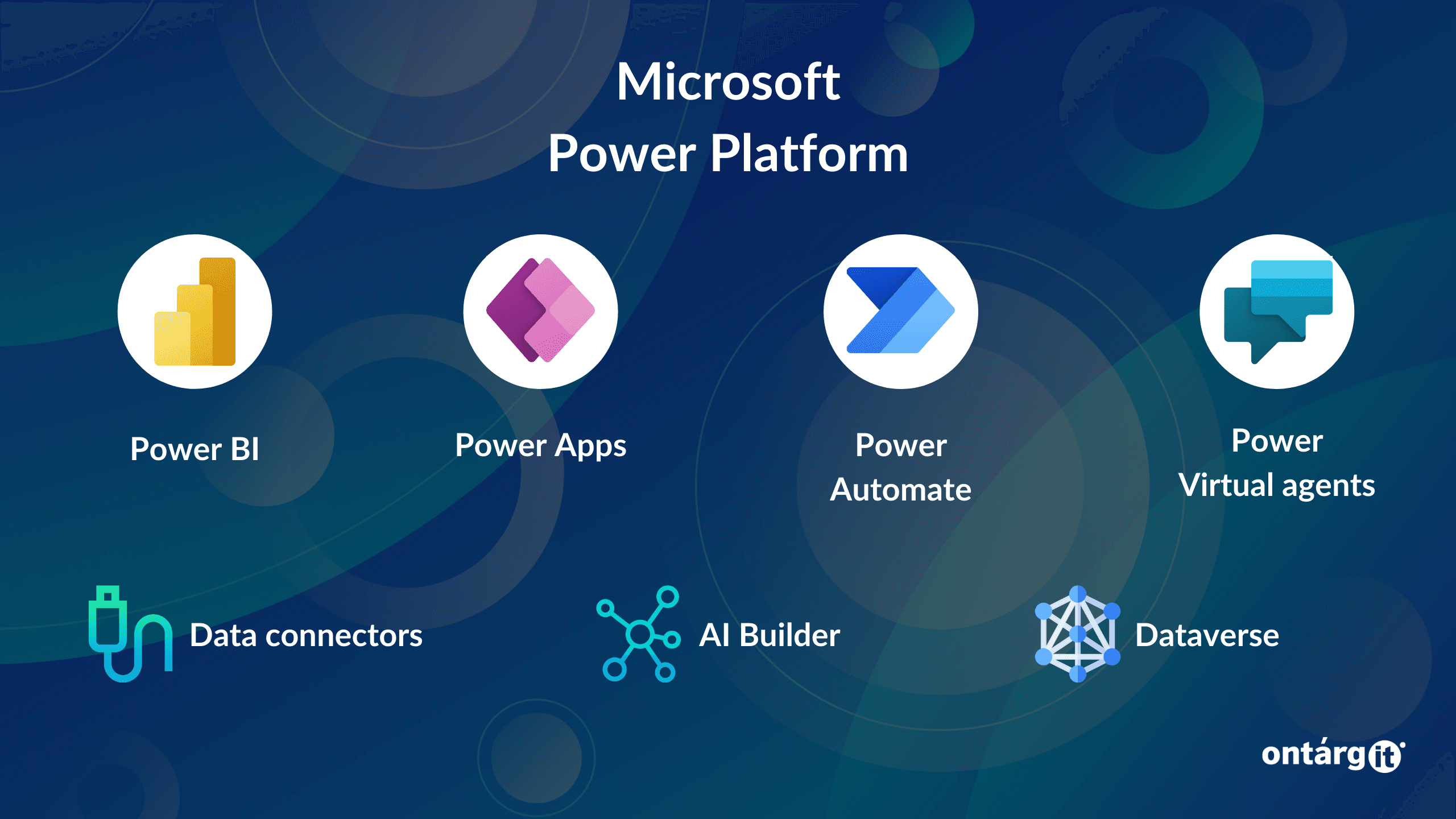
Power Automate never works in isolation. It is the connective tissue of the Power Platform, acting as the middleware that turns static data into action.
- Power Apps (The Trigger): The user provides the "Seed Data." The App doesn't process data; it captures it and sends a JSON payload to the flow.
- Power Automate (The Engine): This is where the Bunch of Ifs resides. It receives the payload, runs the conditions, and moves the data to its destination.
- Power BI (The Receipt): Every decision the flow makes is logged. Power BI reads these logs to visualize the "Success Rate" and ROI of your automation.
04 The Expression Layer: Logic Snippets
To move from "low-code" to "pro-code," you must leave the drag-and-drop boxes behind and use the Expression Editor. This is where the real "If" philosophy is codified.
A. The Ternary "If"
Instead of a bulky visual condition box, use a single line to decide a value.
// If the Amount is > 5000, set Level to 'Executive', else 'Standard' if(greater(triggerBody()?['Amount'], 5000), 'EXECUTIVE', 'STANDARD') ### 05 ERROR HANDLING: THE "WHAT IF" SCENARIO A professional automation manages itself when things go wrong. In Power Automate, every action has a hidden logic gate called **"Configure Run After."** This allows you to define secondary logic branches based on the status of the previous action: * **Success Path:** Proceed to update the database. * **Failure Path:** Catch the error code, log it to the **Projects** archive, and notify the team via a high-priority alert. > **Analyst Note:** Always ensure your "Catch" blocks are configured to run even if the previous action has failed or timed out. This is the difference between a silent failure and a resilient system. --- ### 06 FINAL THOUGHTS: THE LOGIC OF SCALE Ultimately, Power Automate is the art of teaching a machine to make decisions. Whether you are using **Cloud Flows** for speed or **Desktop Flows** for legacy accessibility, the goal is the same: to remove human intervention from repetitive logic. As you build out your own **projects**, remember that complexity is the enemy. The most robust automations are those that respect the "If." If you can't explain the logic in a simple sentence, the flow is probably too complex. **Master the gate, simplify the nest, and you master the machine.**