
Home > TECH > The Low-Code Revolution: Architecting the Modern Enterprise
TECH
The Low-Code Revolution: Architecting the Modern Enterprise
01. The Efficiency Gap
In the modern corporate landscape, business requirements evolve faster than IT departments can ship code. This "Efficiency Gap" is where projects go to die—trapped in a 6-month backlog.
The Microsoft Power Platform isn't just a set of tools; it’s a strategic layer designed to bridge this gap. By empowering "Citizen Developers" (business users with technical mindsets) to build their own solutions, organizations can decentralize innovation while maintaining centralized control.
02. The Four Pillars of the Ecosystem
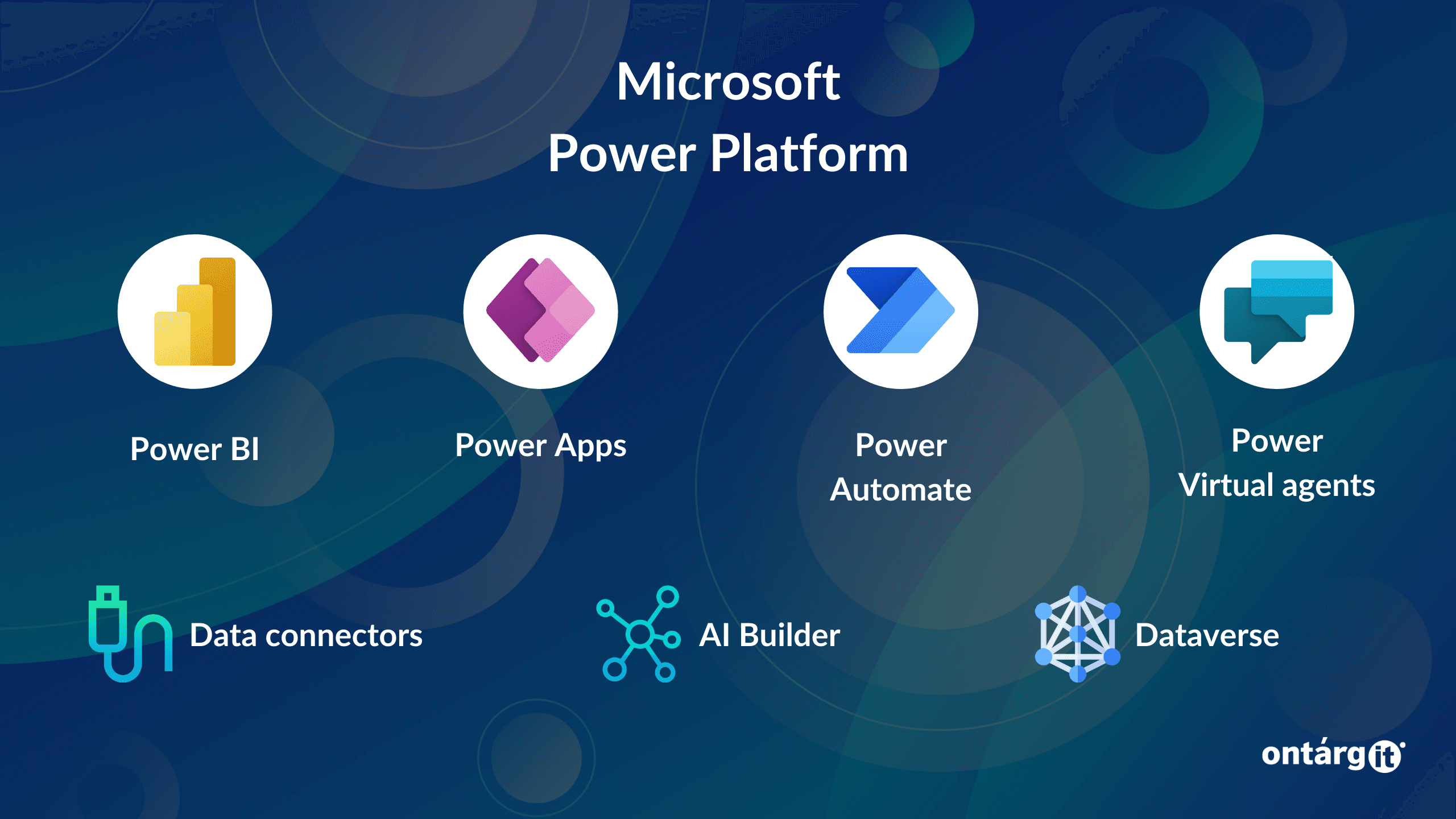
To understand the platform, you must view it as a unified stack rather than four isolated apps.
I. Power Apps (The Interface)
The "Face" of your data. Whether it's a mobile app for field engineers or a complex internal portal, Power Apps handles the user interaction.
- Canvas Apps: High UI control (Drag and drop).
- Model-Driven Apps: Data-first, structured UI (Automatic layout based on Dataverse).
II. Power Automate (The Nervous System)
The logic layer. It moves data between systems, handles approvals, and triggers actions based on events. It connects the "Face" (Apps) to the "Brain" (BI).
III. Power BI (The Brain)
The analytical layer. It takes the data captured by Apps and processed by Automate to provide real-time executive insights.
IV. Power Pages & Copilot (The Reach)
External-facing websites and AI-driven conversational interfaces that sit on top of the entire stack.
03. Real-World Case Study: The "Procure-to-Pay" Nightmare
The Problem: A mid-sized logistics firm in South Africa was handling procurement via email threads and Excel sheets. It took 14 days to approve a single purchase order.
The Solution:
- Power Apps: A simple "Request Portal" where staff enter item details.
- Power Automate: A multi-stage approval flow that pings managers on MS Teams. If the request is > R50,000, it automatically routes to the CFO.
- Power BI: A dashboard showing "Average Approval Time" and "Monthly Spend by Department."
The Result: Approval time dropped from 14 days to 4 hours. No "Pro-Dev" coding required.
04. Pros, Cons, and the "Analyst" Reality
Every tool has a trade-off. As an Automation Analyst, you must weigh these carefully.
| Feature | Pro | Con |
|---|---|---|
| Speed | Deployment in days/weeks. | Can lead to "Shadow IT" if not governed. |
| Integration | 1000+ pre-built connectors. | Premium connectors require expensive licenses. |
| Maintenance | Microsoft handles the infrastructure. | Complex logic can be harder to debug than raw code. |
05. The Cost Implications (The Elephant in the Room)
One does not simply "buy" the Power Platform. The licensing is a chess game.
- The "Seeded" License: If you have Office 365, you have basic Power Apps/Automate. You can talk to SharePoint and Excel.
- The "Premium" Jump: The moment you want to talk to an SQL Database, Salesforce, or use an HTTP Request, you move to Per-User or Per-App licensing.
- Capacity Costs: Dataverse (Microsoft’s cloud database) has strict storage limits. Exceeding these can result in unexpected monthly overheads.
06. Governance and Security (The DLP Strategy)
Without a Data Loss Prevention (DLP) policy, a user could accidentally build a flow that tweets your internal financial data to Twitter.
Standard Security Protocols:
- Environment Isolation: Keep "Development," "Test," and "Production" strictly separated.
- Connector Sandboxing: Block "Non-Business" connectors (like Facebook or Gmail) from interacting with "Business" connectors (like SQL or SharePoint).
07. Conclusion: Why Now?
The goal of an analyst isn't to write more code; it's to solve more problems. The Power Platform is the most effective "Force Multiplier" available to modern enterprises today.
In my next entry, we will dive deep into Power Apps UI/UX logic and how to use the Power Fx language to build apps that feel like premium software.